Mastering Email Triage in HubSpot: AI & Standup Bots for Peak Efficiency
In today's fast-paced digital landscape, information overload is a constant challenge, especially for teams relying heavily on email and internal communications. For businesses leveraging HubSpot for CRM, sales, and marketing, the sheer volume of incoming emails can quickly become a bottleneck, diverting valuable time and attention from critical tasks. At Standupify, we understand that true productivity stems from focused work, not constant context switching. This is where the strategic implementation of robust email triage HubSpot practices, powered by AI and complemented by efficient standup bots, becomes not just beneficial, but essential.
The Challenge of Email Overload in HubSpot
HubSpot is an incredible platform for managing customer relationships, sales pipelines, and marketing campaigns. However, its comprehensive nature means that your inbox can become a central hub for everything from new lead inquiries and customer support requests to internal updates and marketing notifications. Without an effective system for email triage, sales reps might miss urgent opportunities, support teams could delay critical responses, and marketing efforts might stall as valuable time is spent sifting through irrelevant messages.
The consequences extend beyond lost time; constant interruptions degrade focus, increase stress, and ultimately impact team morale and output. Each email, whether important or not, demands a fraction of your attention. Multiply that by hundreds or thousands of emails a week, and you have a significant drain on productivity. The goal isn't just to respond to emails faster, but to ensure that the right emails receive attention at the right time, while the noise is effectively managed.
Why Traditional Email Triage Falls Short
Many teams rely on manual email triage methods, which, while well-intentioned, are inherently inefficient and prone to human error. Manually sorting, categorizing, and prioritizing emails takes significant time, especially when dealing with high volumes. Rules-based filtering, while helpful, often lacks the intelligence to adapt to new patterns or nuanced content, leading to important emails being miscategorized or spam slipping through. This reactive approach to inbox management means teams are always playing catch-up, rather than proactively engaging with high-value communications.
Furthermore, manual triage often requires multiple team members to touch the same email, leading to duplication of effort or, worse, critical messages falling through the cracks. This highlights the need for a more intelligent, automated, and integrated approach to managing your HubSpot inbox.
The Power of AI-Driven Email Triage for HubSpot
Imagine an inbox where the most critical emails are always at the top, spam is virtually non-existent, and every message is intelligently categorized for immediate action. This is the promise of AI-powered email triage, specifically designed for platforms like HubSpot. By leveraging advanced machine learning algorithms, these solutions can analyze incoming emails with a sophistication that traditional filters simply cannot match.
An intelligent AI-powered Inbox Spam Filter for HubSpot, for instance, goes beyond simple keyword matching. It understands context, identifies sender reputation, and learns from your team's interactions to accurately classify emails. This means genuine leads are instantly highlighted, support tickets are routed to the correct agent, and promotional emails are neatly filed away, leaving your team free to focus on what truly matters.
The benefits are profound: reduced cognitive load, faster response times to critical inquiries, improved lead qualification, and a significant decrease in time wasted on irrelevant communications. This proactive filtering system transforms your HubSpot inbox from a chaotic holding pen into a highly organized command center, ensuring that your team's efforts are always directed towards high-impact activities.
How AI Transforms Your HubSpot Inbox
AI-driven email triage solutions offer several key features that fundamentally change how teams interact with their HubSpot inboxes:
- Advanced Spam & Noise Filtering: Move beyond basic spam filters. AI identifies and quarantines not just obvious spam, but also low-priority newsletters, irrelevant notifications, and other digital noise that clutters your inbox.
- Intelligent Categorization: Automatically classify emails by intent (e.g., sales inquiry, support request, partnership opportunity, internal communication). This ensures that the right team members see the right emails immediately.
- Lead Scoring & Prioritization: AI can analyze email content to help score leads, identifying high-potential prospects based on keywords, sender behavior, and historical data, pushing them to the forefront.
- Automated Routing: Seamlessly integrate with HubSpot workflows to automatically assign emails to the appropriate team or individual based on content and categorization, eliminating manual distribution.
- Sentiment Analysis: Some advanced AI can even gauge the sentiment of incoming emails, alerting teams to urgent or negative customer feedback that requires immediate attention.
Integrating AI Triage with Automated Standups for Peak Performance
While AI-powered email triage optimizes your inbound communication, that's only half the battle. The other half is ensuring that your team's internal communication and task management are equally streamlined. This is where automated standup bots, like Standupify for Google Chat, create a powerful synergy. By combining a clean, prioritized inbox with efficient, focused daily updates, teams can achieve unparalleled levels of productivity.
Think about it: an AI-filtered HubSpot inbox ensures that your team starts their day with a clear view of their most important external tasks and communications. Then, a structured, automated standup ensures that their internal priorities are aligned, progress is shared efficiently, and blockers are identified without the need for lengthy, disruptive meetings. This dual approach minimizes noise from both external and internal sources, creating an environment where deep work and strategic thinking can thrive.
Standupify's Role in a Streamlined Workflow
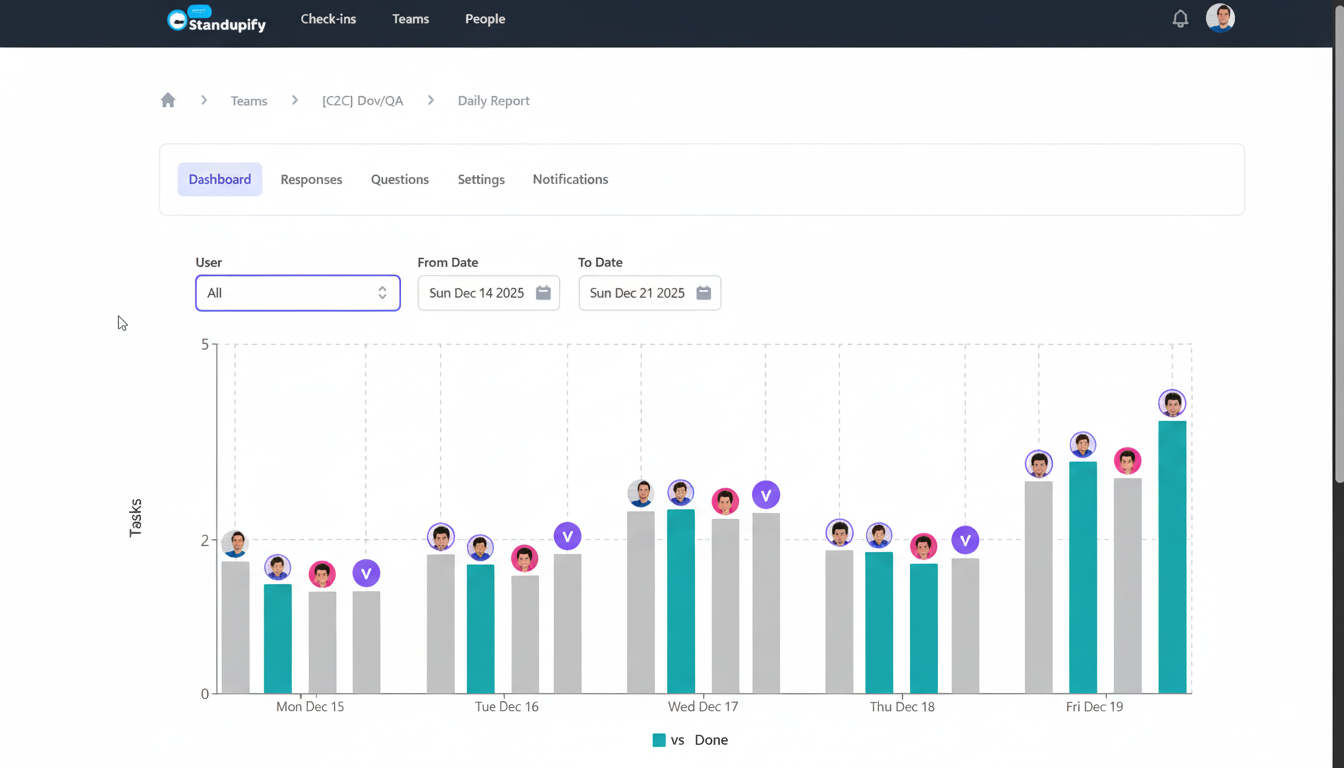
At Standupify, we specialize in helping teams conduct effective daily standups directly within Google Chat. Our bot automates the collection of updates on 'what you did yesterday,' 'what you'll do today,' and 'any blockers,' making the process asynchronous and non-disruptive. Team members provide their updates at their convenience, and the bot compiles them into a digestible report for the entire team.
This automation significantly reduces meeting time, frees up valuable hours, and keeps everyone informed without constant interruptions. When coupled with AI-driven email triage, the impact is transformative. Your team isn't just getting through standups faster; they're getting through standups with a clearer understanding of their highest-priority tasks, many of which originated from an intelligently triaged inbox.
The Synergy: Less Noise, More Focus
The combination of intelligent email triage in HubSpot and automated standups through Google Chat creates a powerful feedback loop:
- Clean Inbox, Clear Priorities: AI ensures that your HubSpot inbox presents only the most relevant, high-priority emails, allowing team members to quickly identify their key external tasks.
- Focused Standups: With a clear understanding of their external priorities, team members can provide more accurate and focused updates during their automated standups, highlighting progress on critical items and identifying specific blockers related to high-value leads or support cases.
- Reduced Interruptions: Both systems work to minimize unnecessary interruptions – AI handles email noise, and automated standups handle meeting noise. This protects valuable focus time.
- Enhanced Collaboration: Teams are better informed about both customer-facing priorities and internal progress, leading to more cohesive and effective collaboration.
Best Practices for Maximizing Your Email Triage & Standup Workflow
To truly unlock the potential of combining AI-driven email triage HubSpot with automated standups, consider these best practices:
- Define Clear Triage Rules & Workflows: Even with AI, clear guidelines on how different categories of emails should be handled are crucial. Integrate AI classifications into HubSpot workflows for automated task creation, lead assignment, or notification routing.
- Leverage Automation Fully: Don't just filter; automate actions. For example, automatically create a task in your project management tool for every high-priority support email, or add new qualified leads directly to a specific sales sequence in HubSpot.
- Regular Review & Refinement: AI models learn over time. Periodically review your filtered emails and provide feedback to the AI system to continuously improve its accuracy. Adjust your HubSpot workflows as your team's needs evolve.
- Encourage Focused Standups: Remind your team to align their standup updates with the high-priority tasks identified through their triaged inbox. Emphasize blockers that prevent progress on these critical items.
- Integrate Tools Holistically: Ensure your email triage solution, HubSpot, and Standupify are viewed as parts of a unified communication and productivity ecosystem, not isolated tools.
By embracing these strategies, your team can move beyond merely reacting to an overflowing inbox and constant internal pings. Instead, you'll cultivate a proactive, highly efficient workflow that channels focus towards strategic objectives, ultimately driving growth and success. Streamline your communication, empower your team, and watch your productivity soar.